How do I check linked bank accounts to my Tiqs profile?
You can check your bank details on the Tiqs app by following these steps:
Step 1: Login to www.tiqs.in
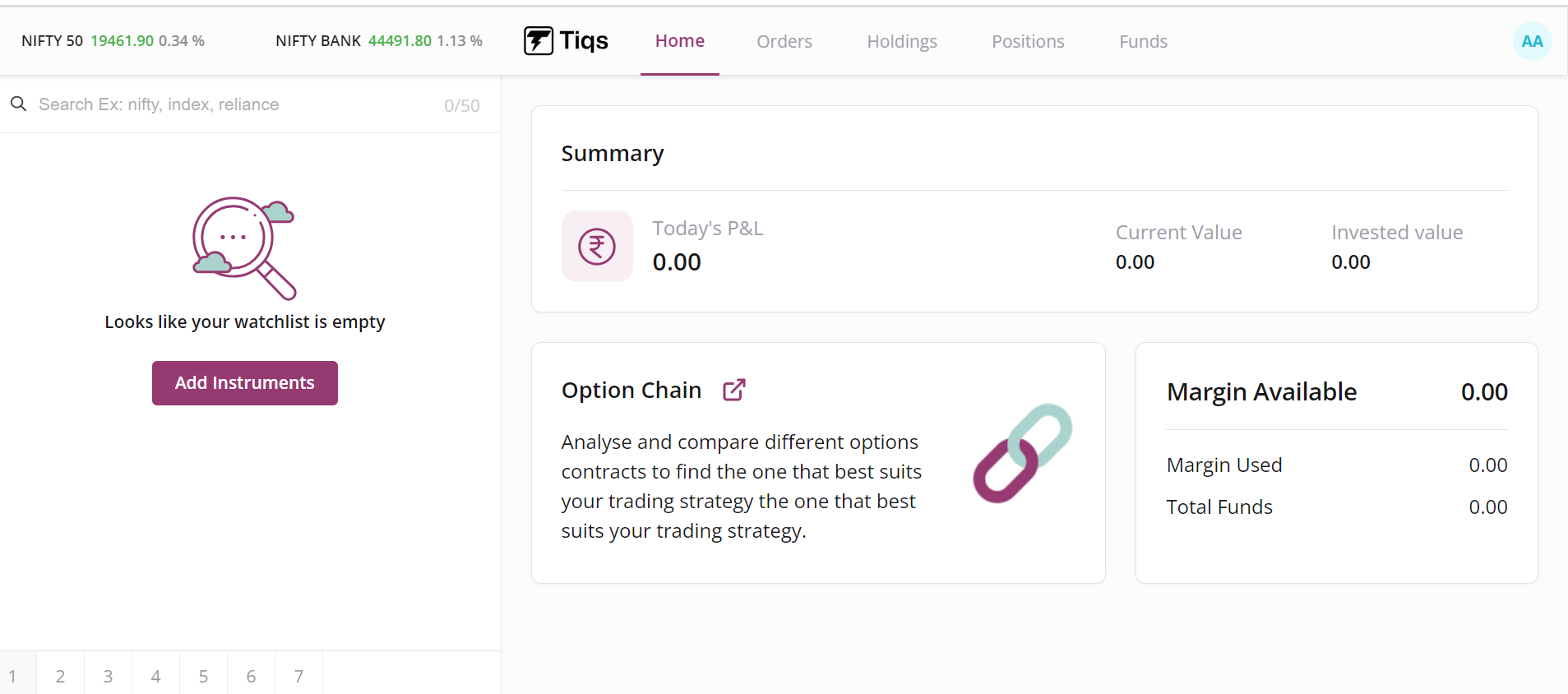
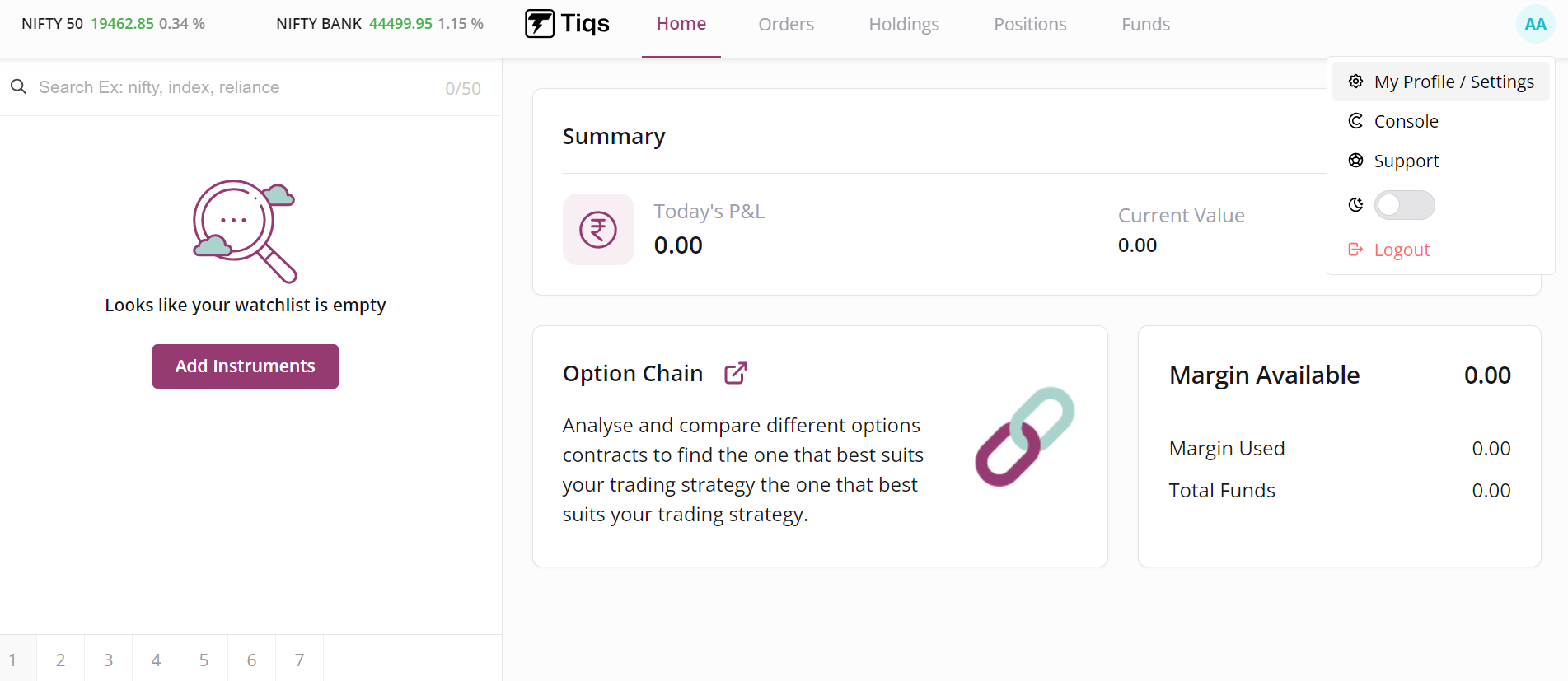
Step 2: Click on the “Profile icon” on the top right corner of your screen, from the drop down menu click on “My Profile/Settings”.
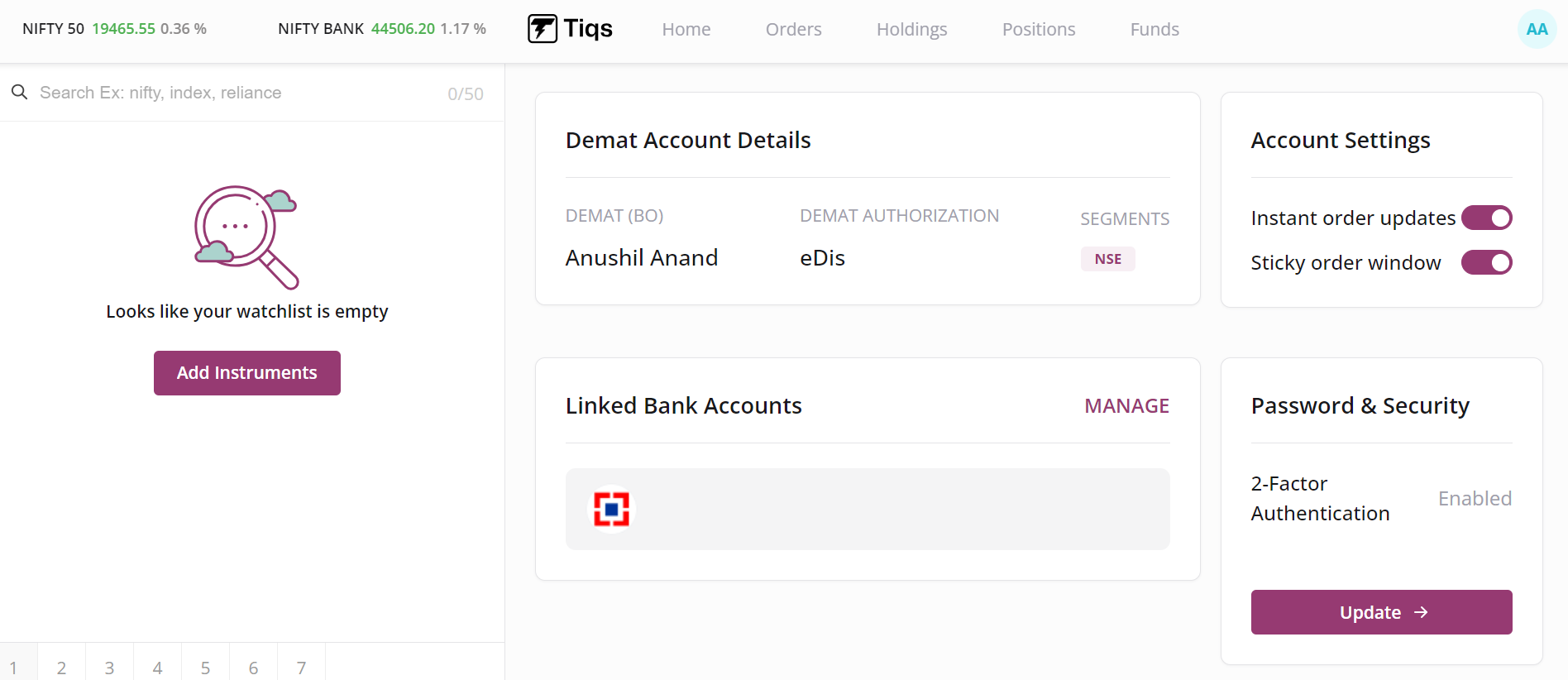
Step 3 : Once you land on the Profile page, you can check your linked accounts under the Linked Bank accounts section.